






Printer Maintenance & Troubleshooting: Complete Guide for Kenya


Printer Maintenance & Troubleshooting for businesses, offices, schools, institutions and homes across Kenya. Regular use can eventually lead to problems such as faded prints, paper jams, error messages, streaks, toner issues and poor print quality.
Proper printer maintenance and troubleshooting can help identify common problems early, reduce unnecessary downtime and keep your printer operating efficiently.
At Kijani Print Toners, we supply printer toners, printers, printer spare parts, drum units, developer-related products and other printer consumables for businesses and institutions in Kenya.
This guide explains some of the most common printer problems, their possible causes and practical steps you can take before seeking professional assistance.
Why Printer Maintenance Is Important
Regular printer maintenance helps keep your equipment performing consistently.
A poorly maintained printer may experience:
For businesses that depend on printers every day, unexpected printer problems can interrupt normal operations.
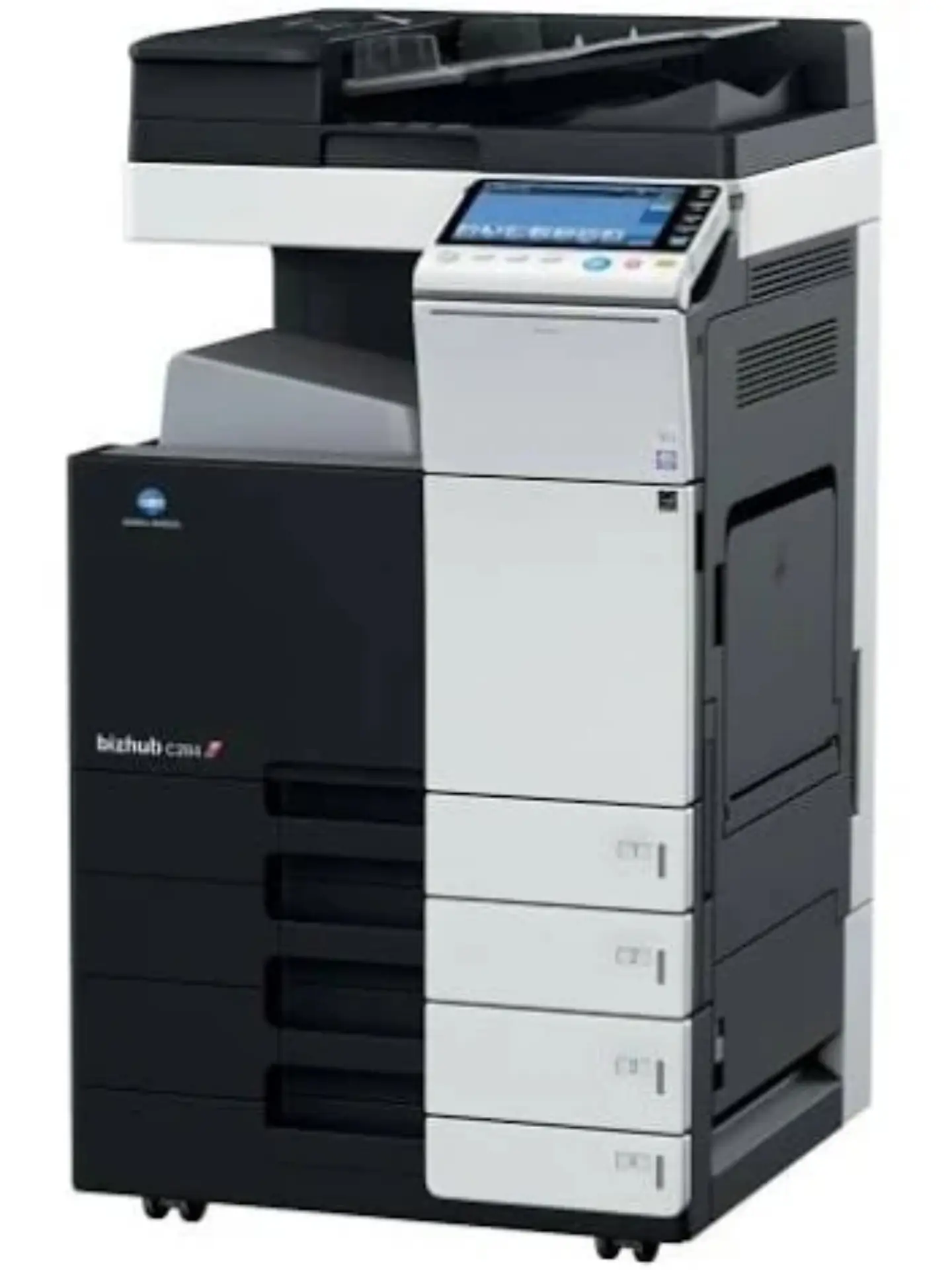
Regular maintenance can also help you identify worn components before they cause more serious problems.
How Often Should a Printer Be Maintained?
The required maintenance schedule depends on the printer model, printing volume and operating environment.
A printer used occasionally in a home office may require less frequent attention than a high-volume multifunction printer in a busy business or institution.
For high-volume office printers, monitor:
- Toner levels
- Print quality
- Paper feed performance
- Drum condition
- Developer performance
- Fuser performance
- Internal dust and toner buildup
- Error messages
Always follow the maintenance recommendations provided for your specific printer model.
Common Printer Problems and Solutions
1. Printer Is Not Printing
One of the most common printer problems is a printer that receives a print command but does not produce a document.
Possible causes include:
- Printer is switched off
- USB or network connection problem
- Printer is offline
- Paper tray is empty
- Toner or ink is depleted
- Print queue is stuck
- Incorrect printer selected
- Printer has an error
Start by checking that the printer is powered on and connected correctly.
If the printer is connected to a computer, check whether the correct printer is selected as the default printer and whether there are documents stuck in the print queue.
For network printers, check the network connection and printer status.
2. Faded or Light Printing
Faded printing can occur when toner is running low or when other printer components require attention.
Possible causes include:
- Low toner
- Incorrect print settings
- Drum problems
- Developer problems
- Fuser problems
- Poor-quality toner
- Printer component wear
If the toner cartridge is low, replacing it with the correct cartridge may resolve the issue.
If a new toner does not solve the problem, the printer may require further inspection.
3. Black Lines or Streaks on Prints
Black lines, streaks or repeated marks can affect the quality of printed documents.
Possible causes include:
- Damaged or worn drum
- Dirty printer components
- Toner cartridge problems
- Developer issues
- Transfer component problems
If the same mark appears repeatedly at regular intervals, a printer component may be damaged or contaminated.
For multifunction printers, inspect the drum and other relevant components according to the manufacturer's maintenance instructions.
4. Printer Produces Blank Pages
If your printer produces completely blank pages, check:
- Toner or ink level
- Toner cartridge installation
- Printer settings
- Cartridge compatibility
- Drum condition
- Developer system
- Fuser and transfer components
Make sure the cartridge is correctly installed and suitable for the printer model.
If a new compatible cartridge has been installed and the problem continues, the issue may be related to another printer component.
5. Paper Jams
Paper jams are among the most common printer problems.
A paper jam may be caused by:
- Incorrect paper size
- Poor-quality paper
- Damaged paper
- Too much paper in the tray
- Incorrectly positioned paper guides
- Dust or debris
- Worn rollers
- Internal printer component problems
To reduce paper jams, use the correct paper type and size recommended for your printer.
Never pull jammed paper aggressively because doing so can damage internal components or leave torn pieces inside the machine.
6. Toner Smearing or Rubbing Off
If toner comes off the page when touched, the printer may have a toner, paper or fuser-related problem.
Possible causes include:
- Incorrect toner
- Poor-quality toner
- Incorrect paper
- Fuser problem
- Incorrect printer settings
The fuser is responsible for fixing toner onto the paper. If it is not operating correctly, printed toner may not properly adhere to the page.
7. Uneven or Poor Colour Printing
Colour printers use separate toner or ink colours to produce full-colour documents.
If one colour appears weak or missing, check the corresponding cartridge.
For laser printers, common colours include:
- Black
- Cyan
- Magenta
- Yellow
A low or incorrectly installed cartridge can affect colour balance.
If the cartridges are adequate but the problem continues, other components may need inspection.
Printer Error Messages and Error Codes
Modern printers can display error messages or numerical error codes when something is wrong.
These messages can indicate problems involving:
- Toner
- Paper
- Drum units
- Developer
- Fuser
- Paper feed
- Network connection
- Hardware components
Do not replace random printer components simply because an error appears.
First identify the exact printer model and error code. Different manufacturers use different error-code systems.
For example, Konica Minolta, Kyocera, Ricoh, HP, Canon and Epson printers may use completely different error messages for similar problems.

Printer Toner Maintenance
Toner is one of the most frequently replaced printer consumables, Proper toner handling can help prevent unnecessary problems.
Use the Correct Toner
Always confirm the printer model and toner cartridge reference before purchasing. Examples of toner series include:
- Konica Minolta TN-321
- Konica Minolta TN-324
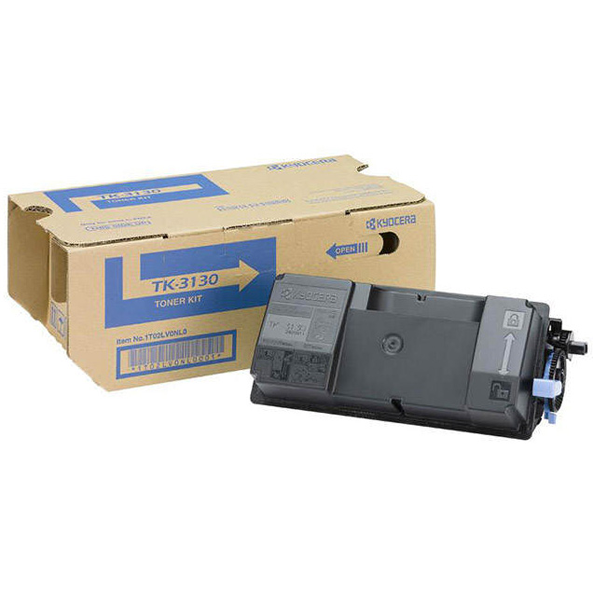
- Kyocera TK-3130
- Kyocera TK-475
- Kyocera TK-7105
- HP 85A
- HP 26A
- HP 207A
Never assume that two toner cartridges are interchangeable simply because they look similar.
Store Toners Correctly
Keep toner cartridges in a clean, dry environment and avoid exposing them to excessive heat, moisture or direct sunlight.
Keep cartridges in their protective packaging until they are required.
Install Toner Carefully
Follow the printer manufacturer's installation instructions.
Avoid touching sensitive components of the cartridge unnecessarily, and make sure the cartridge is properly seated inside the printer.

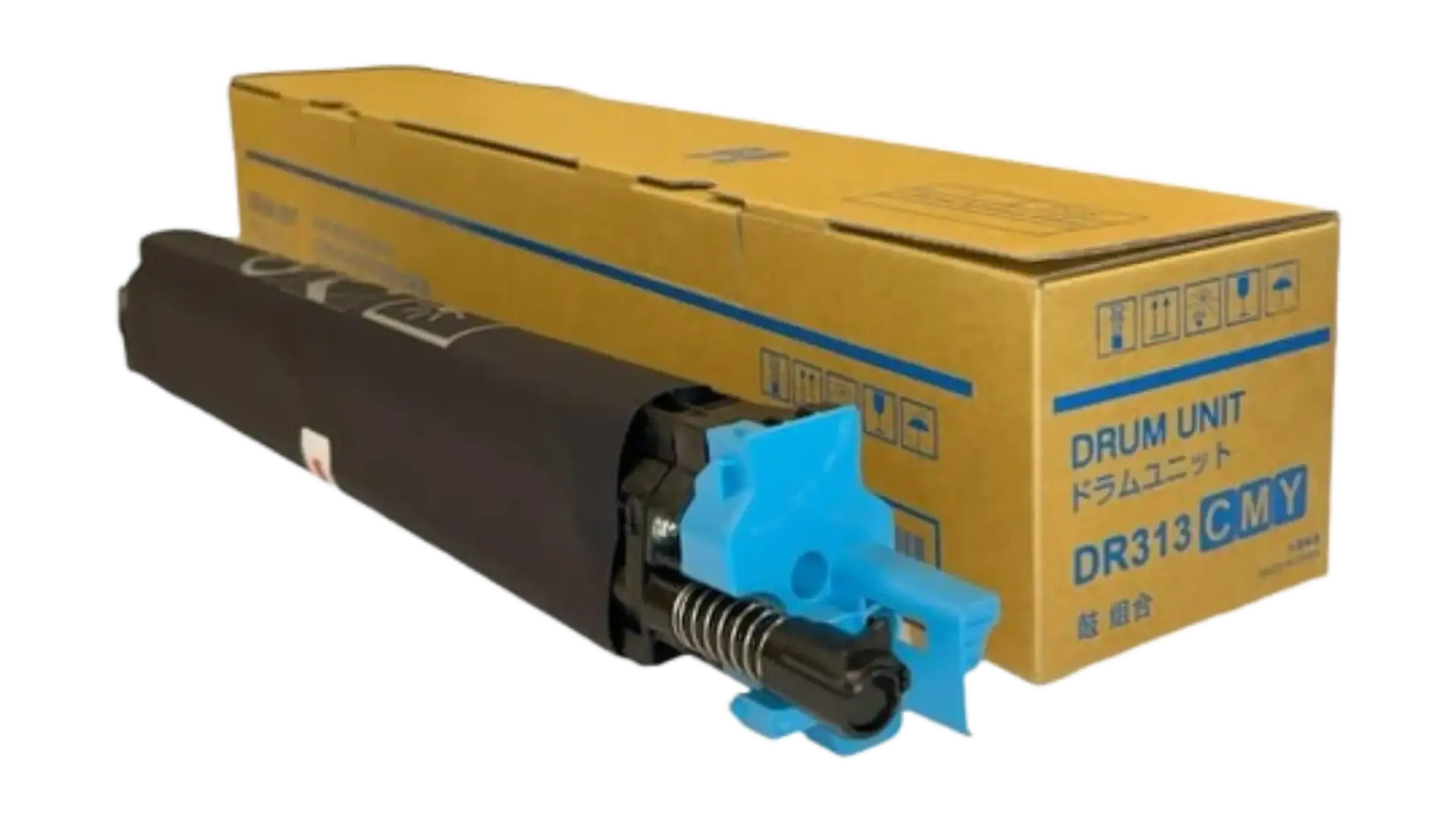
Printer Drum Maintenance
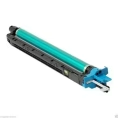
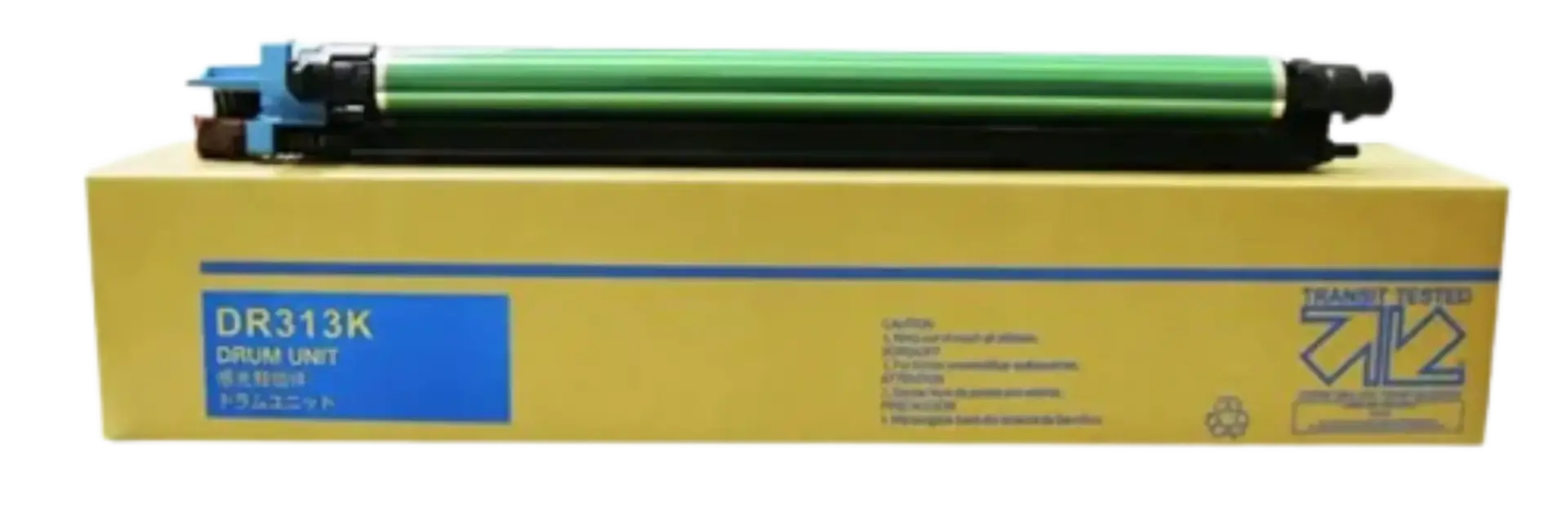
Many laser printers and multifunction machines use a drum unit to transfer the image onto paper.
A worn or damaged drum can contribute to:
- Lines
- Spots
- Repeated marks
- Faded areas
- Uneven print quality
If replacing the toner does not solve a persistent print-quality problem, the drum may require inspection or replacement.
Kijani Print Toners supplies selected printer drum units and printer spare parts for compatible machines.
Developer Problems
Some office multifunction printers use a developer system to help transfer toner during the printing process.
Developer-related problems can result in poor print density, inconsistent output or other print-quality issues.
If your machine displays a developer-related warning or develops persistent print-quality problems, use the correct developer product specified for your printer model.
Avoid mixing incompatible developer products.
How to Keep Your Printer Clean
Dust and toner particles can accumulate inside a printer over time.
Basic cleaning can help maintain printer performance.
Before cleaning:
- Turn off the printer.
- Disconnect it from the power source where appropriate.
- Allow hot components such as the fuser to cool.
- Follow the manufacturer's cleaning instructions.
- Use appropriate cleaning materials.
- Avoid forcing or removing components unnecessarily.
Do not use excessive liquid inside a printer.
For complex internal cleaning or component replacement, consider using a qualified printer technician.
Printer Maintenance Checklist
A simple maintenance routine can help identify problems early.
Daily or Regular Checks
- Check for error messages.
- Check toner or ink levels.
- Remove paper jams carefully.
- Keep the paper tray clean.
- Use suitable paper.
- Check print quality.
Periodic Maintenance
- Clean accessible printer areas.
- Inspect paper feed rollers.
- Check the drum where applicable.
- Monitor developer performance.
- Check the fuser when maintenance is required.
- Review printer usage and consumable levels.
Before Replacing a Component
Always confirm:
- Printer brand
- Exact printer model
- Component number
- Error message
- Existing component specifications
This can prevent purchasing the wrong printer part.
How to Reduce Printer Problems in Your Office
Businesses can reduce printer downtime by establishing a simple consumables and maintenance system.
Keep track of:
- Printer models
- Toner cartridge numbers
- Average monthly printing volume
- Toner replacement dates
- Printer maintenance dates
- Frequently occurring errors
- Replacement parts
For offices using multiple printers, maintaining a record of each machine can make it easier to order the correct consumables when required.
When Should You Replace Your Printer Toner?
Replace the toner when the printer indicates that toner is low or when print quality deteriorates because of depleted toner.
Do not automatically replace the cartridge simply because print quality has changed. Problems involving the drum, developer, fuser or other components can sometimes produce similar symptoms.
If a new toner does not resolve the problem, further troubleshooting may be necessary.

When Should You Contact a Printer Technician?
Some printer problems require more than a toner replacement.
Consider professional assistance when:
- The printer repeatedly jams
- Error codes continue after basic troubleshooting
- The printer makes unusual mechanical noises
- Print quality remains poor after replacing consumables
- The printer overheats
- Internal components appear damaged
- The machine requires drum, developer or fuser replacement
For complex repairs, avoid dismantling components unless you know the printer's service procedures.
Printer Maintenance for Konica Minolta, Kyocera and Ricoh
High-volume multifunction printers such as Konica Minolta, Kyocera and Ricoh may require more structured maintenance because they are often used for large printing workloads.
Keep track of:
- Toner levels
- Drum condition
- Developer condition
- Transfer components
- Fuser condition
- Paper feed components
- Error codes
- Maintenance intervals
Using the correct consumables for the exact printer model is particularly important.
Printer Maintenance in Nairobi, Kenya
Businesses searching for printer maintenance in Nairobi often need both consumables and replacement parts.
Kijani Print Toners supplies printer products including:
- Printer toners
- Ink and consumables
- Drum units
- Developer-related products
- Printer spare parts
- Printers
- Computer accessories
We help customers identify the appropriate toner or printer component based on their printer model and requirements.
Why Choose Kijani Print Toners?
Kijani Print Toners supplies printers, toner cartridges, computers, laptops, printer parts and office accessories in Kenya.
Our product range covers major brands including:
- Konica Minolta
- Kyocera
- Ricoh
- HP
- Canon
- Epson
- Brother
- Dell
- Lenovo
Whether you need a replacement toner, drum unit or another printer consumable, provide your printer model and existing cartridge or component number whenever possible.
This helps ensure that you get a product designed for your specific machine.
Frequently Asked Questions
How often should I maintain my printer?
Maintenance frequency depends on the printer model, printing volume and operating environment. High-volume office printers generally require more frequent monitoring than printers used occasionally.
Why is my printer printing faded pages?
Faded printing can be caused by low toner, incorrect settings, drum problems, developer issues or other printer components. Check the toner level first and investigate further if replacing the toner does not solve the problem.
Why does my printer keep jamming?
Paper jams can be caused by unsuitable or damaged paper, incorrect paper loading, dirty rollers, excessive paper or worn printer components.
Why is my printer printing black lines?
Black lines can be caused by a damaged or dirty drum, toner cartridge problems, developer issues or other internal components.
Why is my printer not recognizing the toner?
Check that the toner is the correct cartridge for your printer model and that it is installed correctly. Some printers may also display an error when a cartridge is incompatible or has an identification issue.
How do I know which toner my printer needs?
Check the exact printer model and the toner cartridge number. You can also check the existing cartridge or the printer manufacturer's documentation.
Can Kijani Print Toners help identify a printer toner?
Yes. Provide the printer brand, exact model and, where possible, a photo or number from the existing toner cartridge.
Final Thoughts
Regular printer maintenance and troubleshooting can help businesses and offices identify common printer problems before they result in unnecessary downtime.
From toner replacement and paper-jam prevention to drum, developer and print-quality issues, understanding the basics can make printer ownership easier and more cost-effective.
When you need printer toners, printer spare parts, drum units, printers or other printer consumables in Kenya, Kijani Print Toners can help you identify the right products for your equipment.
Kijani Print Toners – Print More, Pay Less.